Mixtape features
Color grade your videos on iPhone.
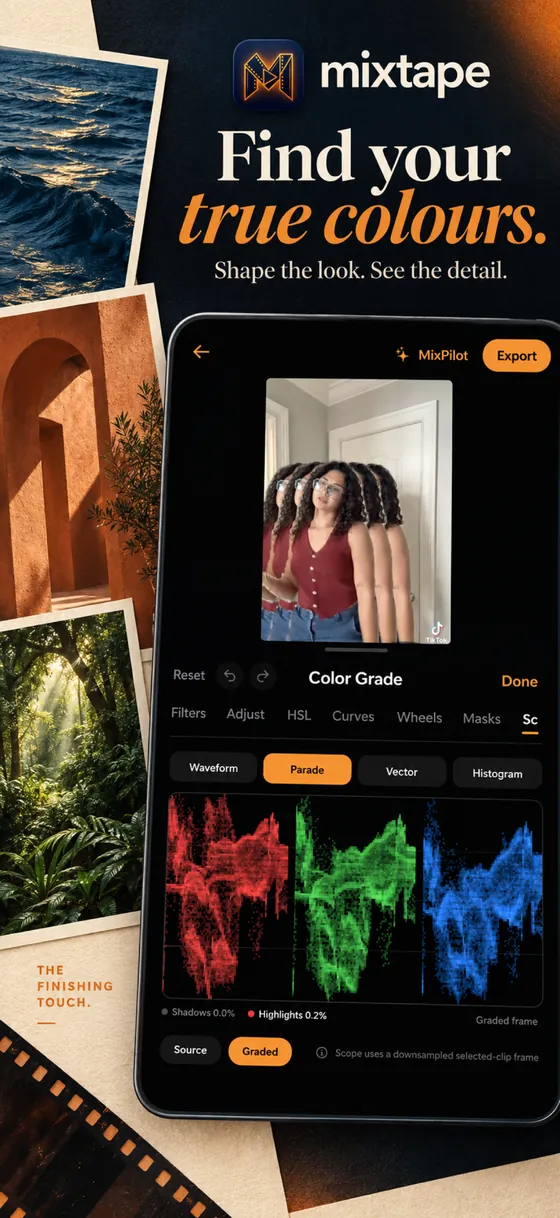
Start from a look or build your own with curves, HSL and colour wheels. Live scopes show you exactly what's happening to the colour, like on a desktop editor.
Get Mixtape Free to download
for iPhone + iPad
for iPhone + iPad
How to do it
- 01
Open Color Grade
Select a clip, or add an adjustment layer to grade a whole stretch at once.
- 02
Shape the look
Use filters for a quick start, then Adjust, HSL, Curves and Wheels to refine it.
- 03
Check the scopes
Waveform, parade, vector and histogram keep skin tones and highlights in check.