
Mixtape features
Slow motion and speed ramps, without the fiddling.
Slow a clip down, speed it up, or ramp between the two so the best moment hangs in the air.
Get Mixtape Free to download
for iPhone + iPad
for iPhone + iPad
How to do it
- 01
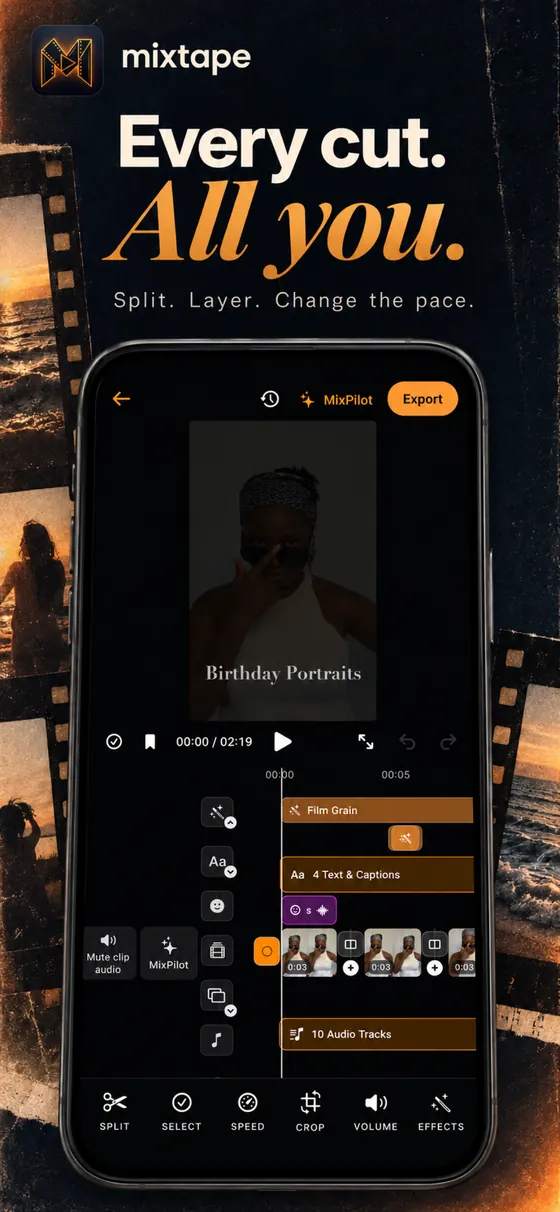
Select the clip
Tap the clip, or move the playhead to the moment you want.
- 02
Open Speed
Set a steady speed, or use a ramp that slows into the moment and speeds back out.
- 03
Play it back
Check the feel and nudge the curve until it lands.