
Mixtape features
Green screen on your iPhone.
Make any colour see-through, not just green. Put your new background on the track underneath and tune the key until the edges are clean.
Get Mixtape Free to download
for iPhone + iPad
for iPhone + iPad
How to do it
- 01
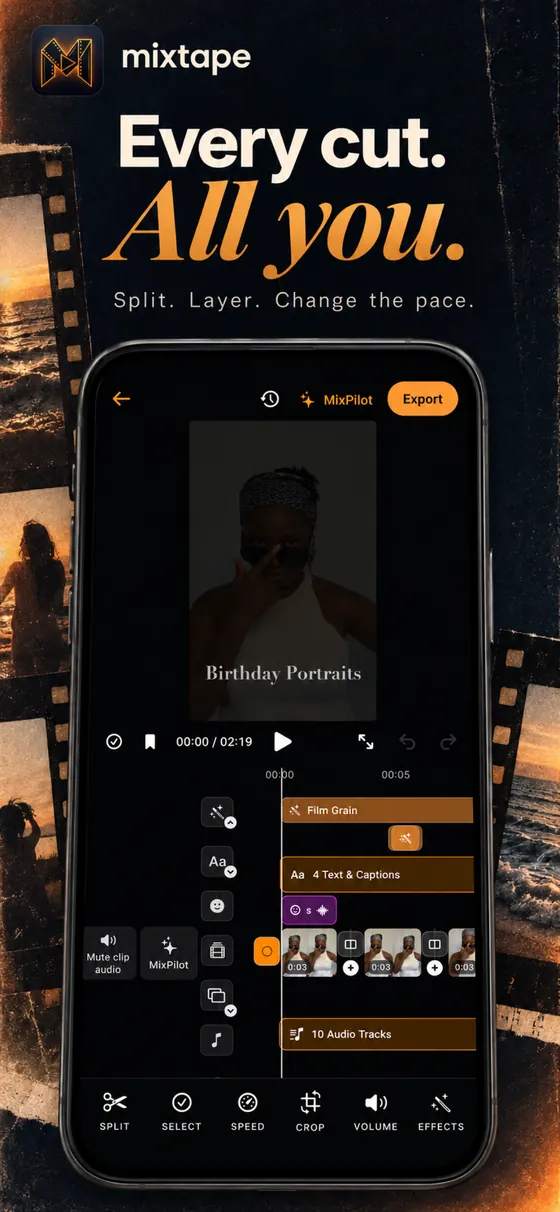
Layer your clips
Put the background on the main track and your green screen clip above it as an overlay.
- 02
Key out the colour
Choose the colour to make see-through. Green is the usual one, but blue or any flat colour works.
- 03
Clean the edges
Raise the strength until the green spill around hair and edges is gone.